
Features & scenarios

Watch. Protect. Prove.

Live readings from every connected appliance, alerts that reach the right person, and records that keep themselves.

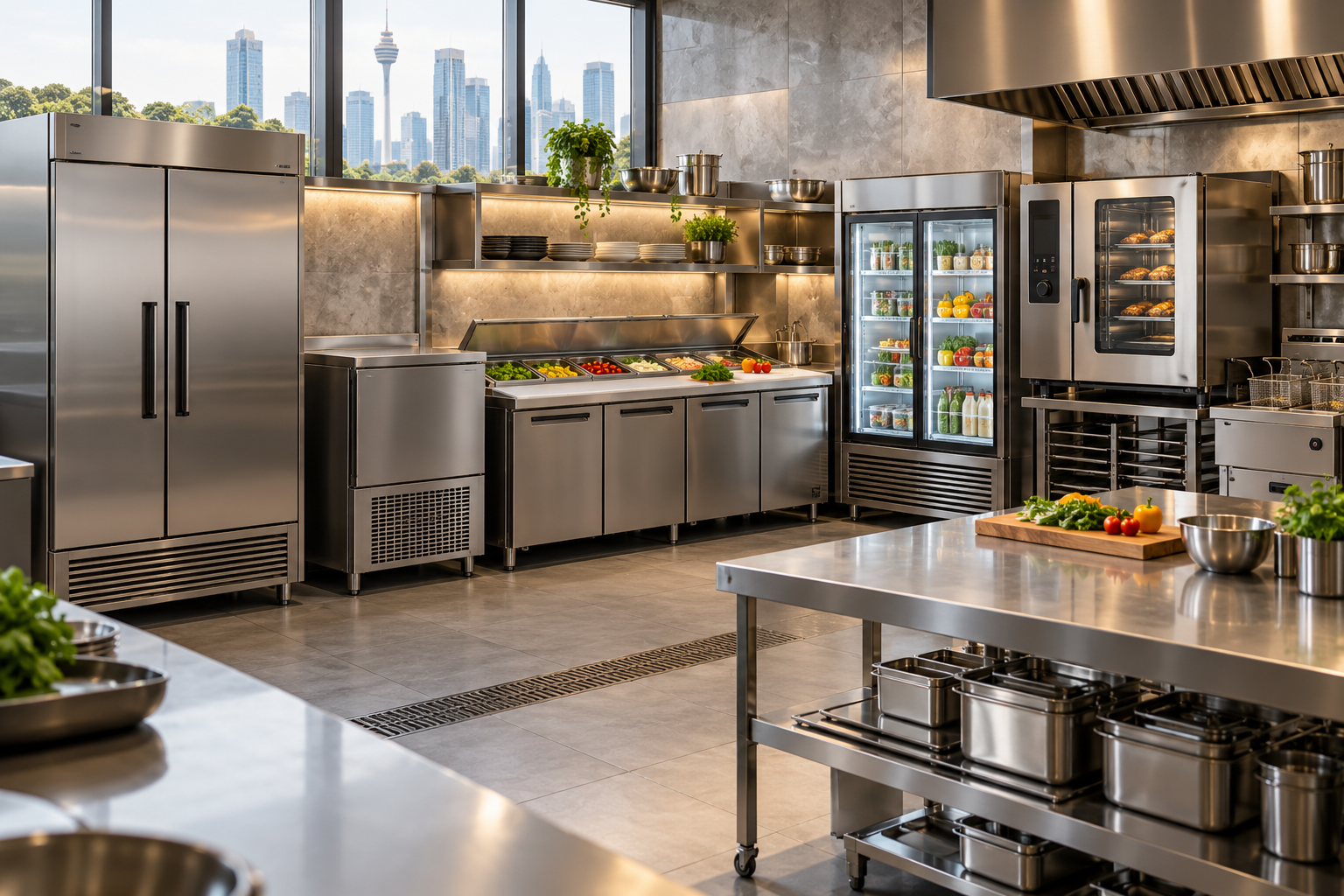
Commercial display chiller stocked with prepared food and drinks
Display Chiller 02
3.4 °CNormal
DOOR CLOSED · 2 MIN AGO
Alerts · today
Blast Chiller · 8.1 °COpen
Freezer 02 · door openResolved
Chiller 04 · condenser dirtyService
Records
Daily temperature record ready
14 appliances · 1 excursion with corrective action
Export PDF
Capabilities

Six capabilities, one portal and mobile app.

Real-time monitoring

Live temperature, door and status data from every connected appliance.

Readings every [interval]
Door-open events
Online / offline status

Smart alerts

Alerts reach your team straight away, and your reseller and Berjaya CKE see them too.

Push, SMS [confirm] and email
Delays to avoid false alarms
Reseller and CKE visibility

Temperature history

Time-stamped readings and alert history for every appliance.

Readings per appliance
Alert and status history
Export your data

Remote control

Adjust set points and settings from the Pulse App, wherever you are.

Change set points remotely
Switch modes from the app
Every change logged

Health & predictive maintenance

Health alerts flag cooling problems before a breakdown.

Cooling coil ice blocking
Condenser dirty
Refrigerant low or leaking

Multi-outlet management

Group outlets by region or brand and manage them from one account.

Outlet hierarchy
Shared rules from HQ
Roles per outlet
CKE Pulse App

Live view, alerts, remote control and diagnostics on iOS and Android. See the app ↓

Integrations

Possible integration with your existing systems, such as ticketing and support tools.

Secure by design

Encryption, role-based access, PDPA-aligned data handling.

CKE Pulse App

Built for the people on shift.

The Portal is where HQ plans and reports. The App is where outlet managers and store crew see a problem and fix it.

Branch overview

Switch between brands and outlets. See device counts and critical branches, then filter by state and venue.

Device status

Each appliance shows NORMAL or ALERT, compartment temperatures and what went wrong, such as door open too long.

Remote control

Turn the interior light on or off, choose Auto (recommended) or Manual mode and set chiller or freezer temperature.

Deep diagnostics

Wi-Fi status, ambient temperature, last sync, evaporator and condenser temperatures, compressor runtime and error codes.

Notification centre

Device alerts, announcements and general updates, with unread and history views and mark all read.

9:41
Hello, Johny MahYour 3 branches overview
24Devices
2Critical Branches
All StateAll Venue
Menara IQ, TRX · G Floor (3)Kuala Lumpur
NORMAL
KL Sentral (3)Kuala Lumpur
2 ALERT
The Exchange TRX · Level C (5)Kuala Lumpur
NORMAL
Home
Support
Notification
Profile
9:41
Dual Upright Chiller
Door open too long
SERIAL098746562Chiller 7°CFreezer −15°C
Wi-FiOnline
StatusAlert
Ambient22°C
Synced3 min ago
Appliance Light ControlInterior light is on
Operation Mode
Auto (Recommended)Manual
Chiller7°CFreezer−15°C
−7°C+
Deep Diagnostics
StatusAlert
Evaporator temp−12°C
Condenser temp34°C
CompressorRunning · 6h 40m
Controller error code--
Home
Support
Notification
Profile
Usage scenarios

Four kitchens, four ways Pulse helps.

Central kitchen at night · chiller bank, low light, stainless steel

A chiller fault at 2 a.m. Caught, not discovered.

The kitchen is closed. A compressor fails in an upright chiller holding tomorrow’s prep.

  1. 02:14Chiller exceeds its 5.0 °C limit.
  2. 02:16Push alert to the Pulse App.
  3. 02:26Your reseller and Berjaya CKE see the same alert.
  4. 02:41Stock moved to a backup unit; action logged.
  5. 08:30Refrigerant alert tells the service team what to check before the visit.
OUTCOMEStock saved, the excursion is on record with its corrective action, and the repair is planned before service.
QSR outlet · crew member at under-counter chiller during lunch rush

One standard of food safety across every outlet

Dozens of outlets, different crews, one brand standard to uphold.

  1. 12:05Lunch rush. An under-counter chiller door is left ajar and the temperature starts to rise.
  2. 12:12Push alert to branch staff and the area manager on the Pulse App.
  3. 12:14Crew closes the door.
  4. 12:15Status changes from alert back to normal.
  5. 12:20HQ sees the alert and its return to normal on the Nerve Portal.
OUTCOMEThe issue is fixed on site in minutes, and every level of the business sees the same record.
Hotel banquet kitchen · chillers stocked for an event

A power trip, hours before a 500-guest dinner

Every chiller is packed with prepared food for tonight’s banquet.

  1. 16:40A chiller goes offline after a power trip.
  2. 16:41Push alert to the kitchen team and banquet manager on the Pulse App.
  3. 16:50Power restored. The chiller is back online.
  4. 17:05Status changes from alert back to normal.
OUTCOMEThe team knew within a minute, and the food for tonight stayed safe.
Café owner checking Pulse on phone at the counter, display chiller behind

The owner who can’t be in the kitchen all day

One café, one owner, a lot of time spent away from the kitchen.

  1. 07:30A glance at the Pulse App: all appliances normal.
  2. 10:15Cooling coil alert: ice is blocking the coil on the upright chiller.
  3. 13:40Condenser dirty alert on the under-counter chiller, so it can be cleaned before cooling suffers.
  4. 15:10Door-open alert on the display chiller. Staff close it and the status returns to normal.
  5. 19:30Refrigerant alert: the freezer shows low refrigerant or a possible leak, so the owner can book a service visit.
OUTCOMEThe owner knows the kitchen is fine without being there.

Ready to connect your kitchen?